





Flashflashcards
Flashflashcards:Web Page Screenshot to Flashcard Converter
Tags:AI learning toolsAI Education Assistant AI learning tools Anki Learning Paid Productivity Screenshot Conversion Standard PicksIntroduction to FlashFlashCards
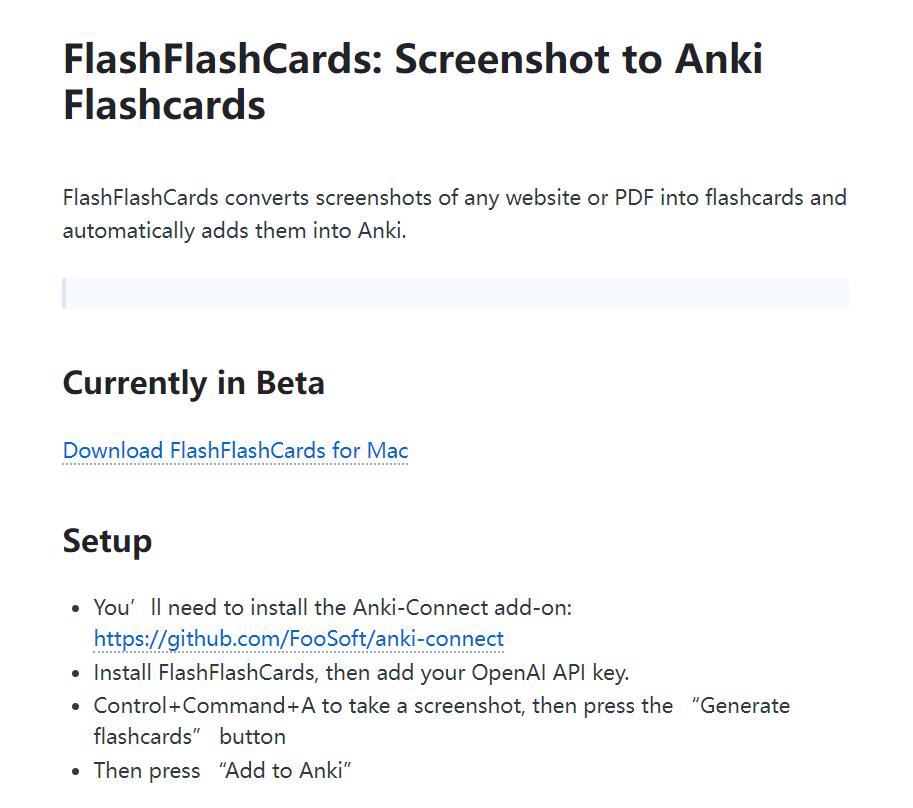
FlashFlashCards is a revolutionary tool designed to transform screenshots of webpages or PDFs into interactive flashcards, which are then seamlessly integrated with Anki. Currently in its Beta phase, this innovative application simplifies the process of creating study materials from digital content.
Getting Started
To begin using FlashFlashCards, follow these steps:
- Installation: Download and install the FlashFlashCards software on your device.
- OpenAI API Integration: Add your OpenAI API key to enable access to their services.
- Anki-Connect Setup: Install the Anki-Connect plugin in your Anki application to ensure compatibility.
Capture and Create: Use the shortcut (Control+Command+A) to capture any webpage content. Click on the “Generate Flashcard” button to convert the captured image into a flashcard, then select “Add to Anki” to save it directly to your Anki deck.
Who It’s For
FlashFlashCards is tailored for:
- Efficient Learners: Individuals seeking a quick and effective way to create study materials from digital content.
- Anki Enthusiasts: Users who prefer Anki as their primary tool for spaced repetition learning.
Use Cases
- Technical Documentation: Convert complex technical manuals or guides into digestible flashcards for easier retention.
- Online Articles: Instantly turn blog posts, news articles, or any web content into study-friendly flashcards.
- Custom Learning Content: Create personalized learning materials and integrate them directly into Anki for structured review.
Features Overview
- Screenshot Conversion: Transform any webpage or PDF screenshot into flashcards with a single click.
- Anki Integration: Automatically sync generated flashcards with your Anki account for seamless learning.
- User-Friendly Interface: Intuitive design that simplifies the process of content capture and conversion.
Why Choose FlashFlashCards?
- Time Efficiency: Save hours by automating the creation of study materials.
- Customization: Tailor flashcards to suit individual learning needs and preferences.
- Seamless Workflow: Integrate effortlessly with Anki for a continuous learning experience.
Technical Details
Supported Formats: Works with both webpages and PDFs, ensuring flexibility in content capture.
Integration Capabilities: Requires the Anki-Connect plugin to enable direct synchronization with Anki decks.
OpenAI API Dependency: The tool leverages OpenAI’s services for certain functionalities, necessitating an active API key for optimal performance.
Conclusion
FlashFlashCards represents a significant leap forward in digital learning tools. By automating the creation of flashcards from online content and PDFs, it empowers users to enhance their study efficiency while maintaining flexibility and customization options. Perfect for both casual learners and dedicated Anki users, this tool is a must-have for anyone aiming to optimize their learning process.


