





Microsoft Loop
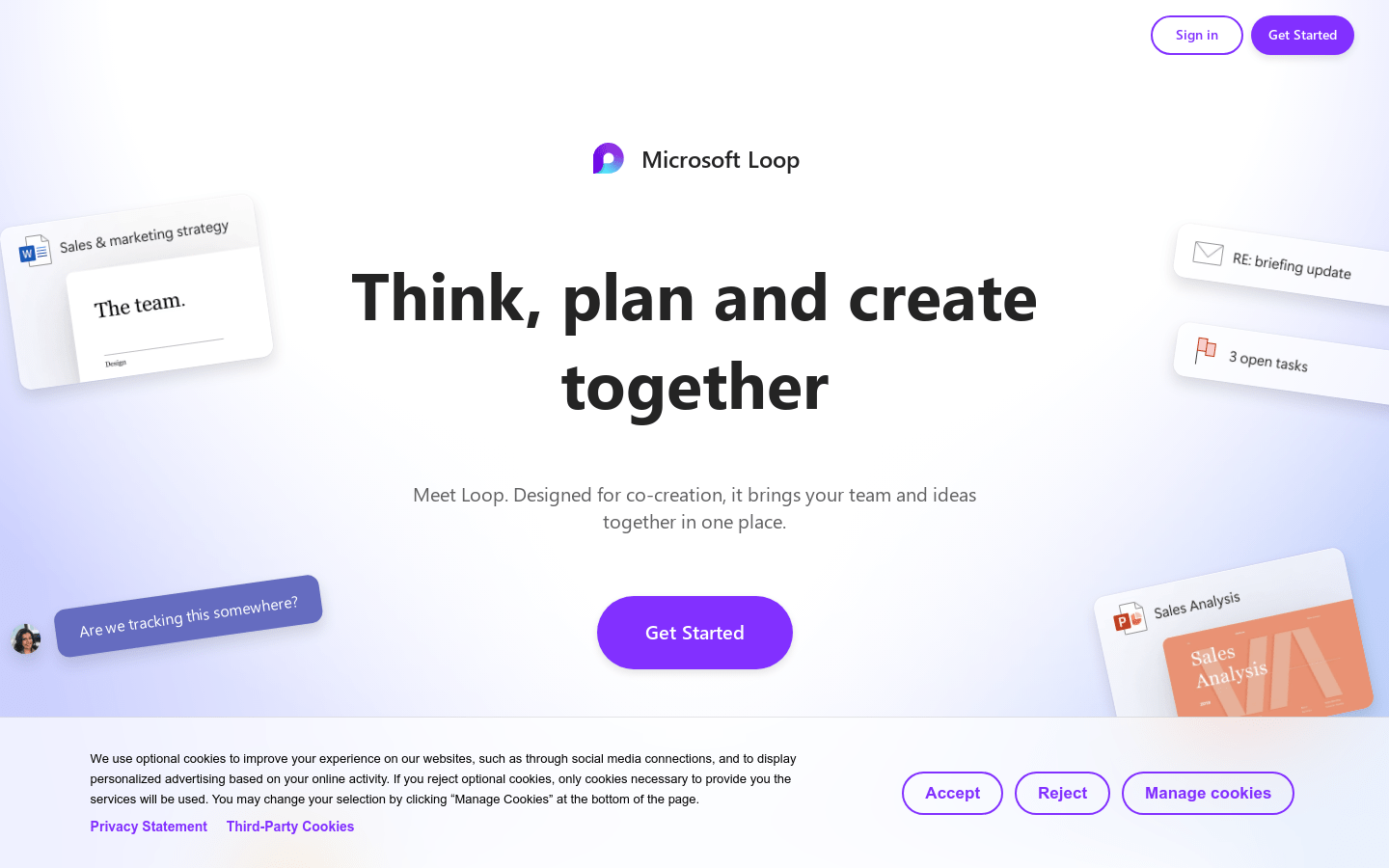
Microsoft Loop:Collab Creation
Tags:AI teamworkAI teamwork AI Workflow Management Creative sharing Paid Real-time synchronization Standard Picks Team CollaborationIntroduction to Microsoft Teams Collaboration Tools
Microsoft Teams has introduced a suite of powerful collaboration tools designed to enhance teamwork and productivity. These tools are specifically crafted to integrate seamlessly into the workflow, allowing teams to collaborate effectively without switching between applications.
Unified Communication Features
The platform offers real-time collaboration capabilities that enable teams to work together on documents and projects simultaneously. This feature ensures that all team members stay aligned and up-to-date with the latest changes, fostering a sense of unity and shared purpose within the team.
Key Collaboration Capabilities
- Real-Time Editing: Multiple users can edit documents and projects in real-time, ensuring that everyone is working on the most up-to-date version.
- Seamless Integration: Tools integrate directly into Microsoft Teams, allowing for a smooth workflow without the need to switch applications.
Enhanced Productivity Features
Microsoft Teams is equipped with advanced productivity features that streamline work processes and boost efficiency. These features are tailored to meet the diverse needs of modern teams, whether they’re working on complex projects or routine tasks.
AI-Powered Workspaces
Leveraging artificial intelligence, Microsoft Teams creates intelligent workspaces that adapt to team dynamics and project requirements. This AI-driven approach optimizes the user experience by automating repetitive tasks and providing personalized recommendations.
Template-Based Content Creation
The platform offers a variety of pre-designed templates for quick content creation. These templates cover various use cases, from meeting agendas to project plans, allowing teams to start working immediately without spending time on setup.
Advanced Collaboration Features
Beyond basic collaboration, Microsoft Teams provides advanced features that deepen team engagement and effectiveness. These tools are designed to facilitate meaningful interactions and drive project success.
Collective Discussion & Decision Making
Teams can engage in structured discussions within the platform, allowing for organized debates and decision-making processes. This fosters a culture of collaboration and ensures that all voices are heard.
Smart Summarization & Reporting
The AI capabilities extend to summarizing meeting notes and generating reports automatically. This saves time and ensures that key points are never missed, providing a clear record of progress and decisions made.
Flexible Collaboration Modes
Microsoft Teams understands that different teams have different needs, which is why it offers flexible collaboration modes to suit various work styles and preferences.
Synchronous & Asynchronous Workflows
Teams can choose to collaborate in real-time (synchronous) or asynchronously, where members contribute at their own pace. This flexibility caters to both remote and in-office teams, ensuring seamless communication regardless of location or schedule constraints.
Remote Team Support
Special features are built into the platform to support remote work effectively. These include enhanced communication tools, virtual meeting capabilities, and file-sharing options that keep distributed teams connected and productive.
Conclusion
Microsoft Teams’ suite of collaboration tools offers a comprehensive solution for modern teamwork needs. With its focus on integration, productivity, and flexibility, it empowers teams to work smarter and achieve their goals more efficiently.


