





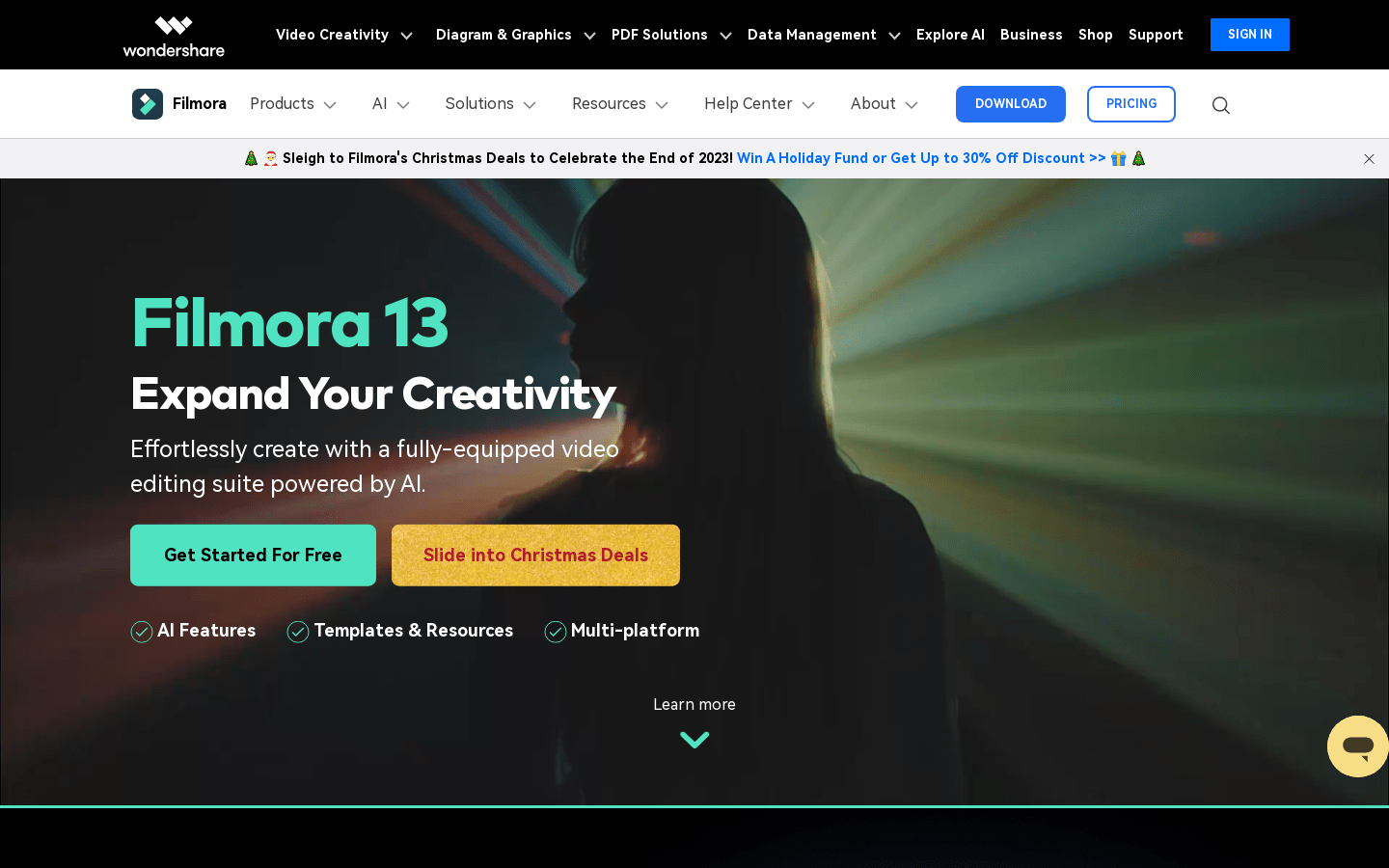
Wondershare Filmora
Wondershare Filmora:Easy Video Editor
Tags:Video editingDevelopment and Tools English Picks Filmmaking Paid Video Cutting Video Editing Video EffectsIntroduction to Wondershare Filmora
Wondershare Filmora stands out as an intuitive and user-friendly video editing software designed for both Windows and Mac operating systems. This versatile tool enables users to craft visually appealing videos by incorporating captivating titles, seamless transitions, and innovative visual effects. In addition to its robust feature set, Filmora is distinguished by its reasonable pricing structure, making it an ideal choice for individuals, small teams, and content creators seeking a reliable video editing solution.
Primary Users
Wondershare Filmora caters to:
- Individuals: Perfect for personal use, such as creating family videos or sharing on social media platforms.
- Small Teams: Ideal for collaborative projects, including marketing content or team-building activities.
- Beginners and Hobbyists: A great starting point for those new to video editing looking for an easy-to-learn tool.
Potential Applications
Filmora offers a wide range of applications, including:
- Family Memory Compilation: Transform cherished moments into memorable family films.
- Professional YouTube Content: Edit and publish high-quality videos that stand out in the competitive world of online video content.
- Wedding Videos: Create stunning and lasting mementos for special occasions.
- Education & Training: Develop engaging educational or corporate training videos.
Premium Features
Here’s a detailed look at what Filmora offers:
- Video Editing: Powerful tools to剪辑 and refine your video content with precision.
- Audio Editing: Adjust and enhance audio tracks to match your video’s tone and quality.
- Effect Addition: A wide library of creative effects to make your videos more engaging and dynamic.
- Title Creation: Design custom titles that reflect your unique style and brand identity.
- Transition Effects: Smooth and professional transitions between scenes to maintain viewer engagement.
- Color Adjustment: Fine-tune colors for a polished, professional look that matches your vision.
- Video Splitting/Merging: Easily divide or combine clips to structure your content effectively.
- Picture-in-Picture: Add an extra layer of visual interest with split-screen effects and overlays.
- Video Stabilization: Remove jittery camera movements for a smoother viewing experience.
- Audio Separation: Extract audio from video files or sync soundtracks seamlessly.
Overall, Wondershare Filmora combines simplicity with powerful editing capabilities, making it an excellent choice for users at various skill levels who seek to create polished and engaging video content.


